For legitimate business, creative, and educational use only. Prohibited for fraudulent purposes. See our Terms of Service
Legitimate use only. Prohibited for fraudulent purposes.
See our Terms.
See our Terms.
Free Krispy Kreme Receipt Generator
This receipt is a quick-service restaurant drive-thru transaction issued by Krispy Kreme Doughnuts & Coffee, located at 810 Cassat Avenue, Jacksonville, FL 32205, with phone number 904.781.4559. The receipt includes host designation (“Order Taker”), cashier name (Felicity), terminal identifier (147), order reference (40095), masked payment account digits (XXXXXXXXXX9070), and transaction date/time (07/01/2022 at 12:48 PM). It features a structured subtotal, sales tax line, total tax line, drive-thru total, cash tendered, and change due. The layout includes a customer acknowledgment section, loyalty program promotional messaging with web URLs, employment promotion (“SweetPlaceToWork.com”), a “Check Closed” separator line, and purchase tracking progress lines for coffee and dozen counts. The format follows a standard QSR POS drive-thru receipt structure with detailed transactional and promotional footer elements.
Krispy Kreme
Doughnuts & Coffee
810 Cassat Avenue
Jacksonville, FL
32205
904.781.4559
Host: Order Taker
07/01/2022
Cashier: Felicity
147
12:48 PM
Area: Drive Thru
40095
1 Americano
2.99
2 Chocolate Chip
1.98
Cookie
2 Coke
1.5
Subtotal
5.47
Tax
0.24
Total
5.71
Cash
6
Change
0.53
Thank You for
Visiting Krispy Kreme
We appreciate your
business
Not a loyalty member?
Join at
www.krispykreme.com/account/
create-account. This
order can still
earn credits toward
sweet treats at
krispykreme.com/account/
missed-transactions
within 30 days.
Apply Online at
SweetPlaceToWork.com
--- Check Closed ---
Coffee Track
progress: 2.00
Dozens Track
progress: 3.00
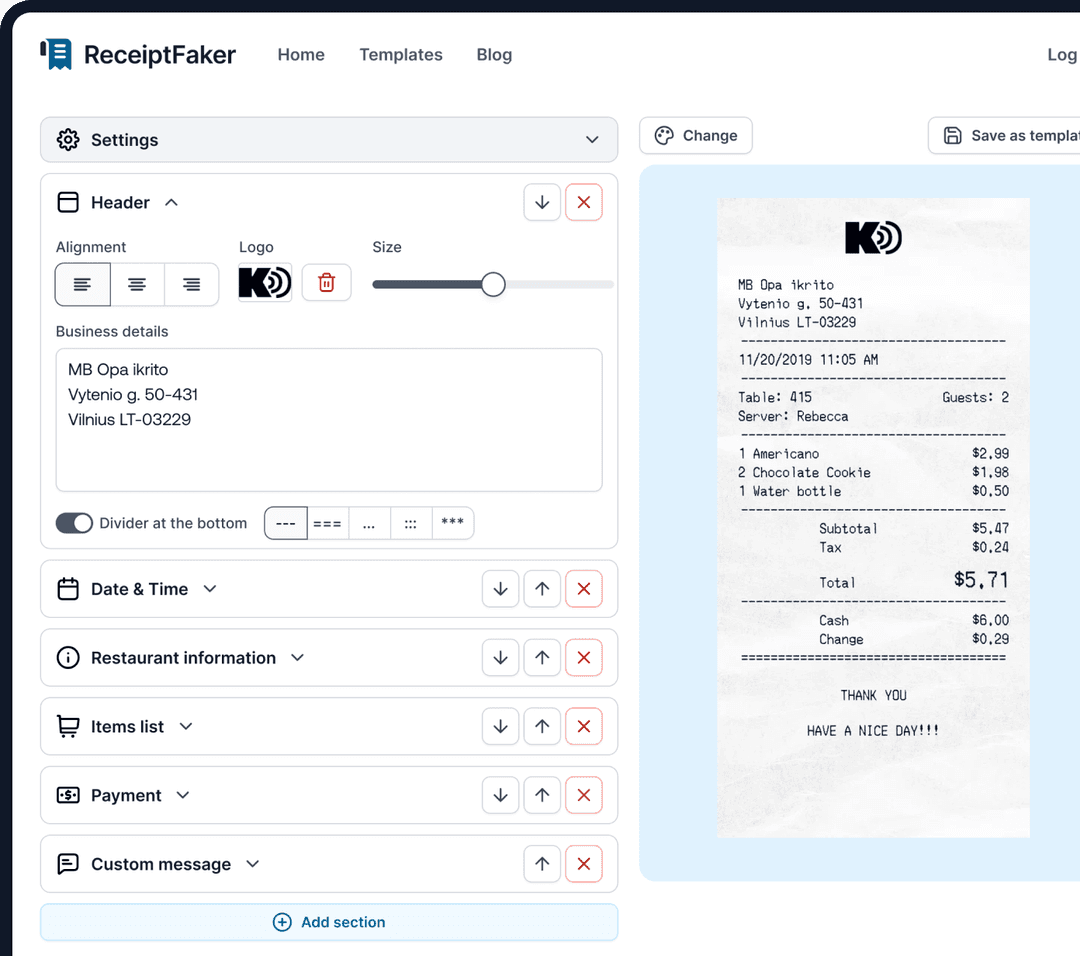
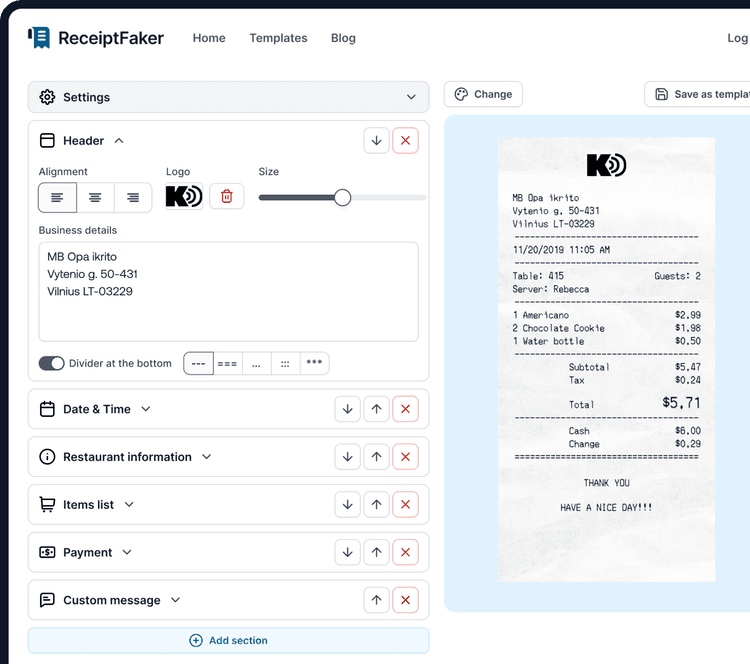
Add custom logo
Edit line items
Choose payment method
Add/remove receipt elements
Customize business information
Choose font
Customize design and styling
Guide
How to make a Krispy Kreme Receipt?
With our receipt maker create any bill as easy as 1, 2, 3.
1. Choose from 100+ templates
Choose from lots of different receipt templates or create your own from scratch.
2. Add your information
Easily edit all information including line items, prices, payment info, etc.
3. Export it for use
One click export to use it in your email or print it out.