For legitimate business, creative, and educational use only. Prohibited for fraudulent purposes. See our Terms of Service
Legitimate use only. Prohibited for fraudulent purposes.
See our Terms.
See our Terms.
Free Fenwick Receipt Generator
This receipt is issued by Fenwick and identifies the location as Royal Victoria Place, Royal Tunbridge Wells, TN1 2SR. The header contains store branding, location details, and a customer-contact telephone number. The receipt is formatted as a retail return transaction and includes POS transaction metadata such as transaction reference numbers, return processing identifiers, product-reference codes, transaction date and time, and register-related control numbers. The financial section records the return value, item count, and resulting transaction total. A barcode is included for transaction tracking and audit purposes. The footer contains a customer appreciation message, VAT registration number, company registration information, and the registered office address for Fenwick Ltd. The overall layout is representative of a United Kingdom department-store retail return receipt, combining return processing, VAT-compliant reporting, transaction controls, and corporate disclosure information within a compact POS receipt format.
.jpg?alt=media&token=614f6fef-a636-42c8-b158-692a883e7a5b)
Fenwick
Royal Victoria Place
Royal Tunbridge Wells
TN1 2SR
TEL: 01892 516716
090115000016693-
3145891869606
Chanel Colour OS No
-£42.00
RETURN
090115000016693-
3145891869606
Chanel Colour OS No
-£42.00
Co
Total
Total 1 Items
£0.00
Total

00000900411402161136093000
Thank You
VAT No. 176 297 818
Registered in England
No. 52411
Fenwick Ltd, Elswick
Court
Newcastle upon Tyne,
NE99 1AR
30/11/18 09:30
000009 0041 1402
009010085
Add custom logo
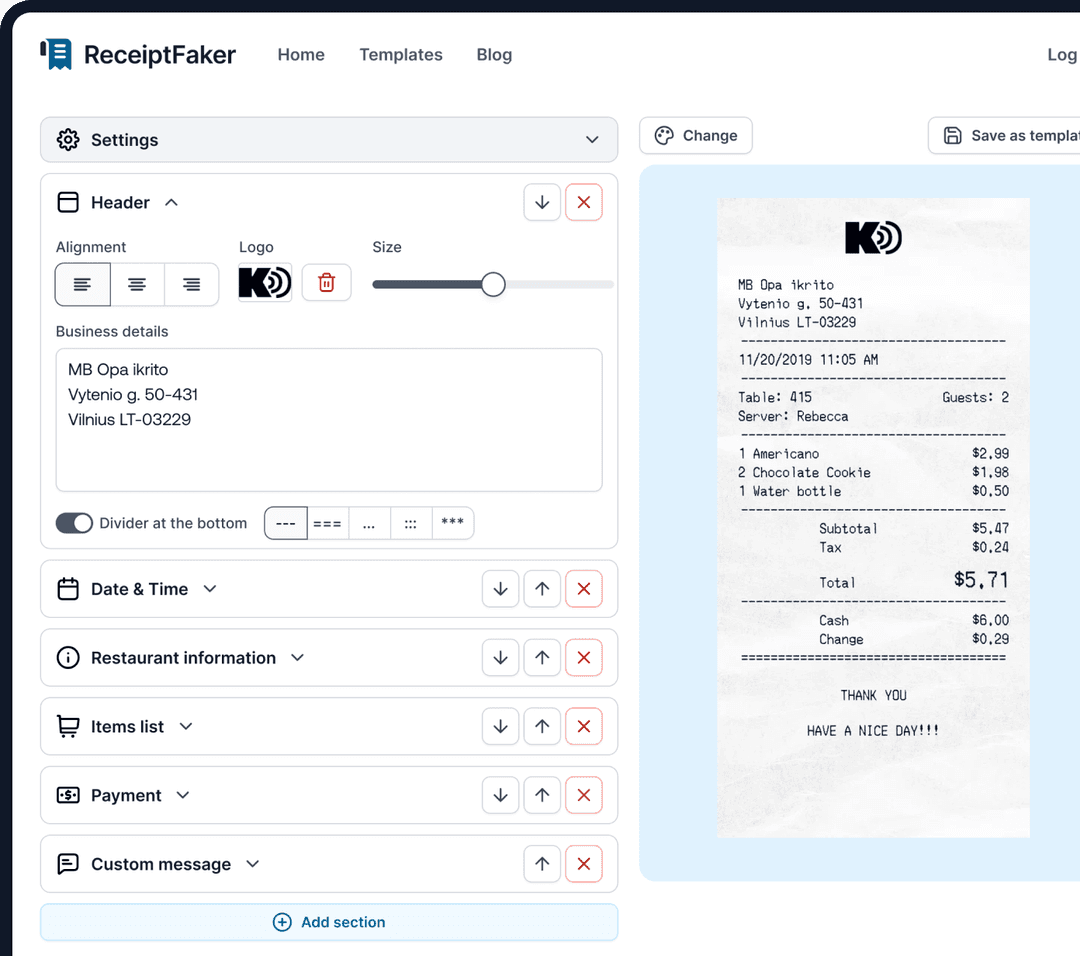
Edit line items
Choose payment method
Add/remove receipt elements
Customize business information
Choose font
Customize design and styling
Guide
How to make a Fenwick Receipt?
With our receipt maker create any bill as easy as 1, 2, 3.
1. Choose from 100+ templates
Choose from lots of different receipt templates or create your own from scratch.
2. Add your information
Easily edit all information including line items, prices, payment info, etc.
3. Export it for use
One click export to use it in your email or print it out.