For legitimate business, creative, and educational use only. Prohibited for fraudulent purposes. See our Terms of Service
Legitimate use only. Prohibited for fraudulent purposes.
See our Terms.
See our Terms.
Free El Taco Veloz Receipt Generator
This receipt is issued by El Taco Veloz and identifies the location as 6701 N Tryon Street, Suite 5, Charlotte, North Carolina 28213. The receipt contains POS transaction metadata including Order 27, a Dine In service designation, cashier identification (Cristy), and a detailed transaction timestamp. The financial section includes a subtotal, sales-tax calculation showing the applicable tax rate, a separately stated credit-card processing fee, a combined tax and fee summary, and a final transaction total. Additional customer-facing messaging promotes cash payments through a notice encouraging customers to avoid card-processing fees. The footer contains a Clover transaction identifier and a privacy-policy reference associated with the Clover POS platform. The overall layout is representative of a United States restaurant POS receipt, combining order tracking, cashier accountability, tax reporting, payment-fee disclosure, digital transaction controls, and payment reconciliation within a compact hospitality receipt format.
EL TACO VELOZ
6701 N Tryon St,
Suite A
Charlotte, NC
28213-6076
7049215720
ORDER: 27
Dine In
barra
Cashier: Cristy
04-Apr-2024 2:14:04P
Torta Barbacoa
$11.95
w/Curly Fries $1.95
no aguacate no
frijoles
1 Agua Fresca
$4.00
Subtotal
$17.90
__________
Tax
$1.57
8.75%
Credit Card Fee 3%
$0.54
Total Taxes
$2.11
Total
$20.01
PAY CASH AND SAVE THE
CREDIT FEE
Total
Clover ID:
V2H3GPGZ1RCYR
Clover Privacy Policy
https://clover.com/privacy
Add custom logo
Edit line items
Choose payment method
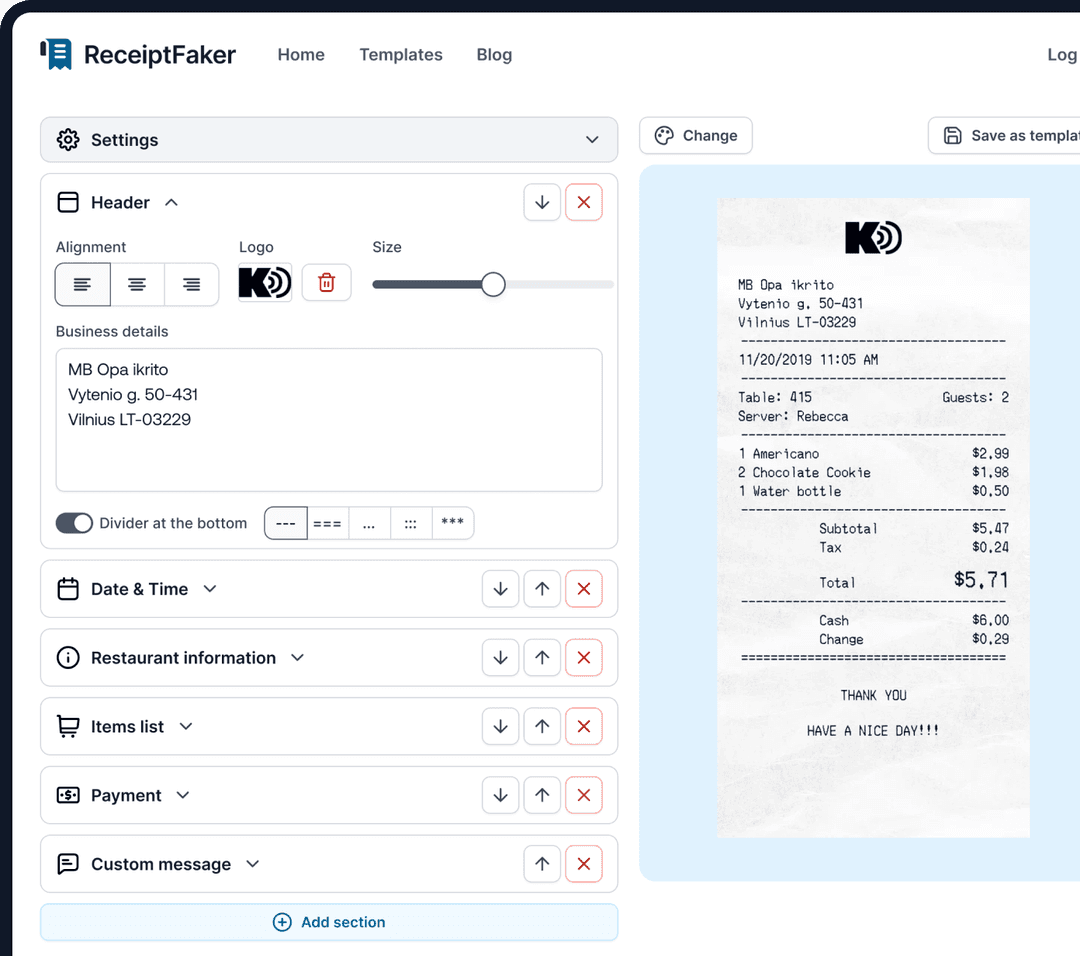
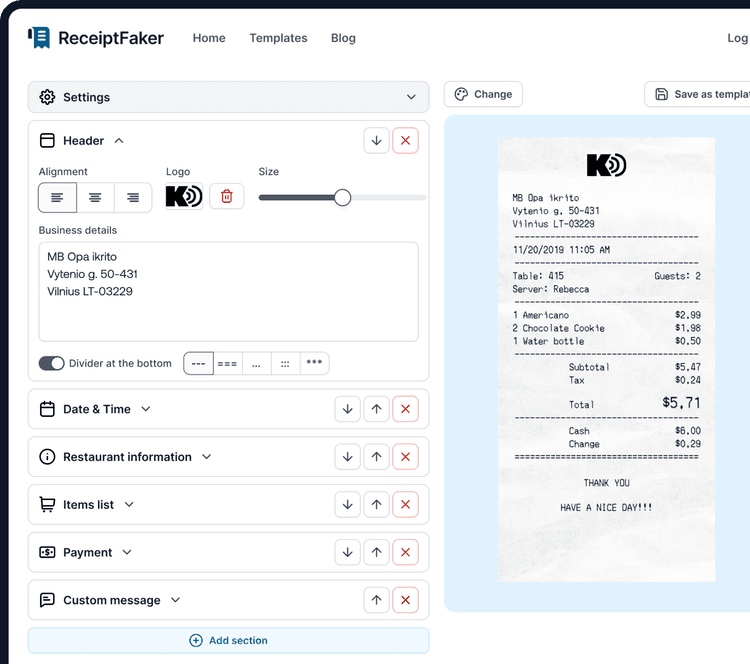
Add/remove receipt elements
Customize business information
Choose font
Customize design and styling
Guide
How to make a El Taco Veloz Receipt?
With our receipt maker create any bill as easy as 1, 2, 3.
1. Choose from 100+ templates
Choose from lots of different receipt templates or create your own from scratch.
2. Add your information
Easily edit all information including line items, prices, payment info, etc.
3. Export it for use
One click export to use it in your email or print it out.