For legitimate business, creative, and educational use only. Prohibited for fraudulent purposes. See our Terms of Service
Legitimate use only. Prohibited for fraudulent purposes.
See our Terms.
See our Terms.
Free Buffalo Wild Wings Receipt Generator
This receipt is issued under the Buffalo Wild Wings brand and identifies Store #3237 located at 9415 Broadway St. #123, with phone number 281-854-2929. It includes server identification (Joshua), table number 116/1, guest count, order type marked as DINE IN, and order number #20034. The receipt displays a timestamp formatted as 09/01/2018 at 5:22 PM. A financial summary section includes Subtotal, Tax, Total, Cash, and Change lines. Promotional messaging encourages faster checkout via the CakePay app and references the Blazin’ Rewards program, including online ordering at www.buffalowildwings.com . The format reflects a casual dining restaurant POS system with table service tracking and loyalty program integration.

Buffalo Wild Wings
Store# 3237
9415 Broadway St.
#123
281-854-2929
Server: Joshua
09/01/2018
Table 116/1
5:22 PM
Guests: 1
Order Type: DINE IN
#20034
Seat 1
Get out the door
quicker with our new
CakePay app.
Download today!
1 Americano
$2.99
2 Chocolate Chip
$1.98
Cookie
2 Coke
$1.5
Subtotal
$5.47
Tax
$0.24
Total
$5.71
Cash
$6
Change
$0.53
Order Takeout Online
www.buffalowildwings.com
BLAZIN' REWARDS
Don't leave points on
the table! Download
the Blazin' Rewards
Mobile App and scan
the code below or
enter your claim
number
to receive credit for
your visit.
Add custom logo
Edit line items
Choose payment method
Add/remove receipt elements
Customize business information
Choose font
Customize design and styling
Guide
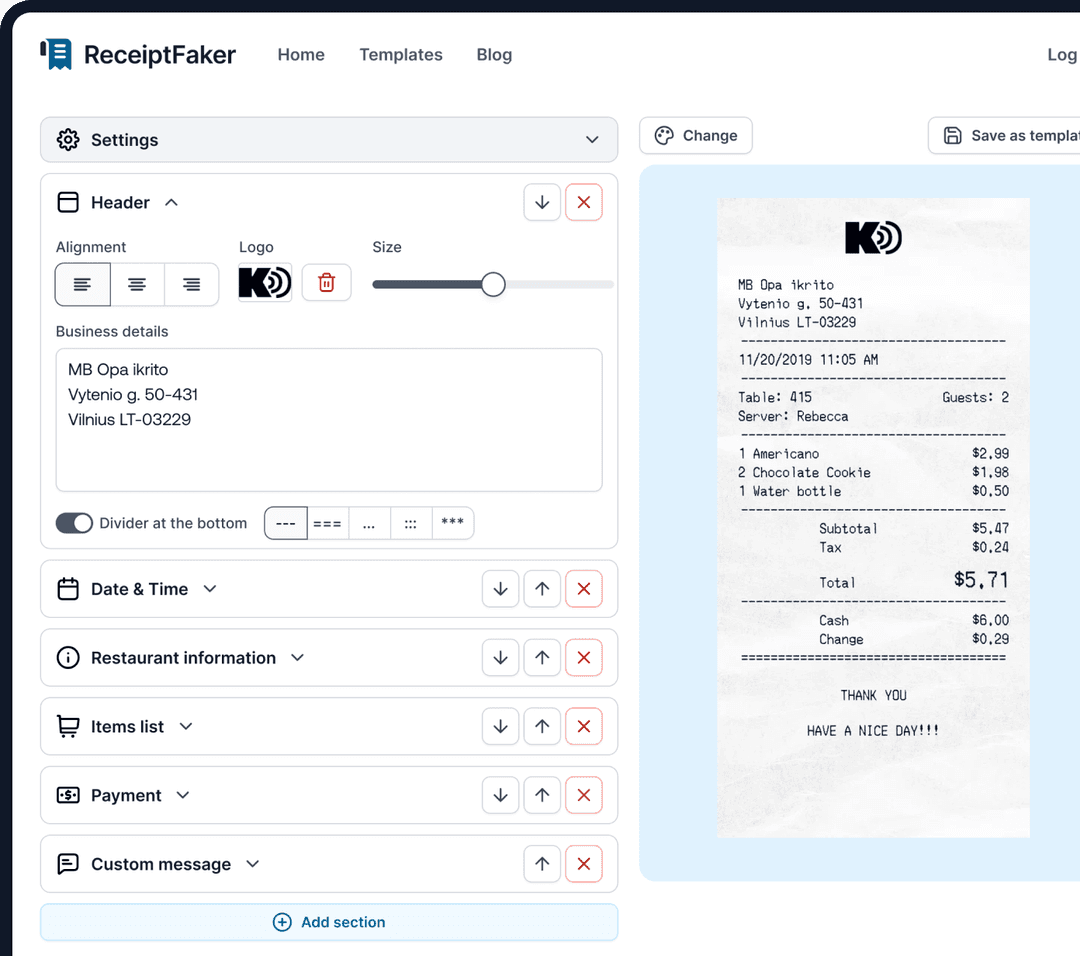
How to make a Buffalo Wild Wings Receipt?
With our receipt maker create any bill as easy as 1, 2, 3.
1. Choose from 100+ templates
Choose from lots of different receipt templates or create your own from scratch.
2. Add your information
Easily edit all information including line items, prices, payment info, etc.
3. Export it for use
One click export to use it in your email or print it out.