Solo para uso comercial, creativo y educativo legítimo. Prohibido para fines fraudulentos. Consulta nuestros Términos de servicio
Solo uso legítimo. Prohibido para fines fraudulentos.
Consulta nuestros Términos.
Generador gratis de Circle K Receipt
This receipt template represents a convenience store transaction issued by Circle K, operating in partnership with Shell fuel services. The receipt header includes the store branding, the Circle K store identification number (#17088), and the location address on Serman Boulevard in Fort Wayne, Indiana. Transaction metadata appears directly below the header, including the full timestamp, register number, transaction sequence number, and cashier identification. The central portion of the receipt presents a standard POS itemization layout with quantities and corresponding amounts. Beneath this section, a financial summary block lists Sub. Total, Tax, Total, and Discount, followed by the payment confirmation area indicating a cash transaction and the calculated change returned. The receipt concludes with a brief closing message inviting customers to return, along with repeated register and transaction sequence identifiers and a store contact phone number, reflecting a typical convenience and fuel retail POS receipt structure.
Welcome to Circle K -
Shell
Circle K Store #17088
2934 SERMAN BLVD
FORT WAYNE, IN 46809
9/27/2021 9:55:29 PM
Register: 2 Tran
Seq No: 663606
A. Perez
1 Americano
2.99
2 Chocolate Chip
1.98
Cookie
2 Coke
1.5
Subtotal
5.47
Tax
0.24
Total
5.71
Please come again
Register: 2 Tran
Seq No: 663606
Phone: 471-9621
Añadir logotipo personalizado
Editar líneas de artículos
Elegir método de pago
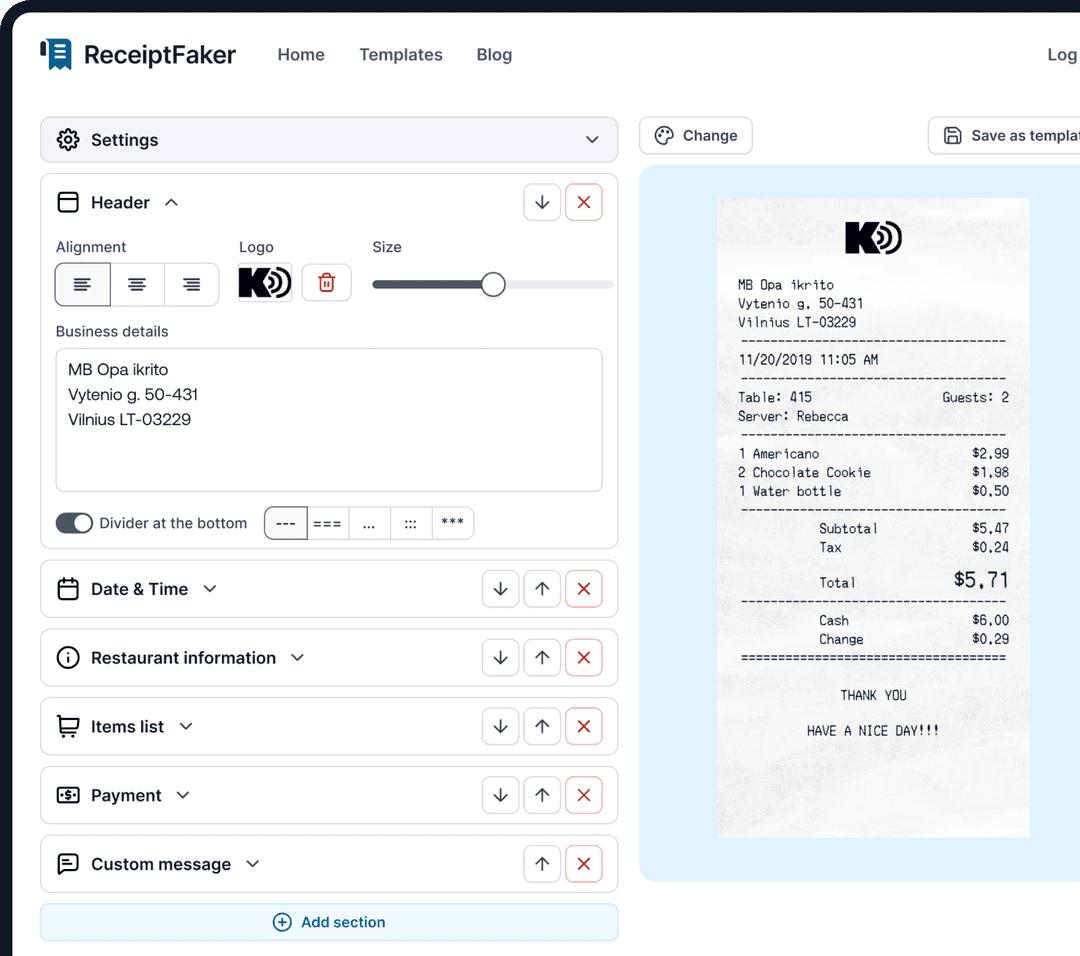
Añadir o quitar elementos del recibo
Personalizar la información del negocio
Elegir fuente
Personalizar diseño y estilo
Guía
Cómo hacer un Circle K Receipt?
Con nuestro creador de recibos puedes crear cualquier comprobante tan fácil como 1, 2, 3.
1. Elige entre más de 100 plantillas
Elige entre muchas plantillas de recibos diferentes o crea la tuya desde cero.
2. Añade tu información
Edita fácilmente toda la información, incluidos artículos, precios, datos de pago, etc.
3. Expórtalo para usarlo
Exportación con un clic para usarlo en tu correo electrónico o imprimirlo.