Nur für legitime geschäftliche, kreative und Bildungszwecke. Für betrügerische Zwecke verboten. Siehe unsere Nutzungsbedingungen
Nur für legitime Nutzung. Für betrügerische Zwecke verboten.
Siehe unsere Bedingungen.
Kostenloser Circle K Receipt Generator
This receipt template represents a convenience store transaction issued by Circle K, operating in partnership with Shell fuel services. The receipt header includes the store branding, the Circle K store identification number (#17088), and the location address on Serman Boulevard in Fort Wayne, Indiana. Transaction metadata appears directly below the header, including the full timestamp, register number, transaction sequence number, and cashier identification. The central portion of the receipt presents a standard POS itemization layout with quantities and corresponding amounts. Beneath this section, a financial summary block lists Sub. Total, Tax, Total, and Discount, followed by the payment confirmation area indicating a cash transaction and the calculated change returned. The receipt concludes with a brief closing message inviting customers to return, along with repeated register and transaction sequence identifiers and a store contact phone number, reflecting a typical convenience and fuel retail POS receipt structure.
Welcome to Circle K -
Shell
Circle K Store #17088
2934 SERMAN BLVD
FORT WAYNE, IN 46809
9/27/2021 9:55:29 PM
Register: 2 Tran
Seq No: 663606
A. Perez
1 Americano
2.99
2 Chocolate Chip
1.98
Cookie
2 Coke
1.5
Subtotal
5.47
Tax
0.24
Total
5.71
Please come again
Register: 2 Tran
Seq No: 663606
Phone: 471-9621
Eigenes Logo hinzufügen
Positionen bearbeiten
Zahlungsmethode wählen
Belegelemente hinzufügen oder entfernen
Geschäftsinformationen anpassen
Schriftart wählen
Design und Stil anpassen
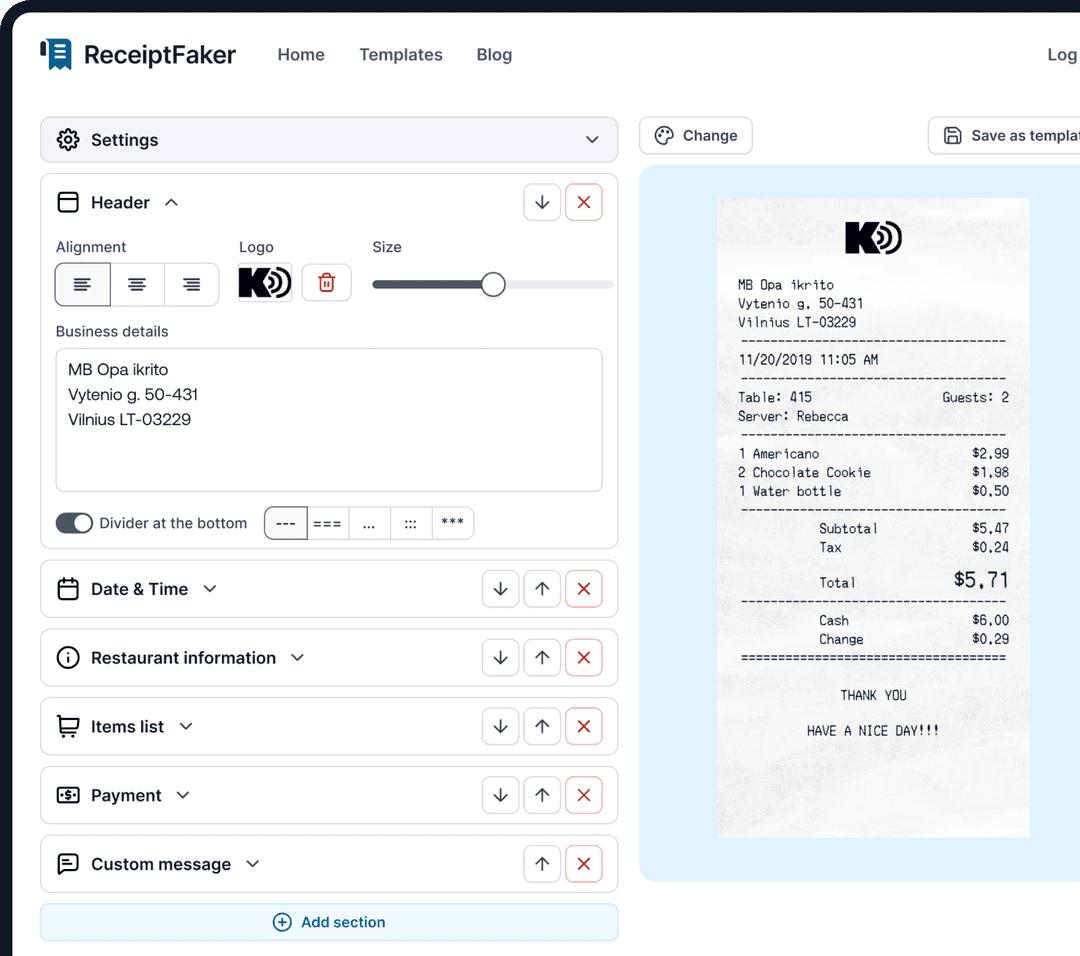
Anleitung
So erstellst du einen Circle K Receipt?
Mit unserem Belegersteller kannst du jeden Beleg so einfach wie 1, 2, 3 erstellen.
1. Wähle aus über 100 Vorlagen
Wähle aus vielen verschiedenen Belegvorlagen oder erstelle deine eigene von Grund auf.
2. Füge deine Informationen hinzu
Bearbeite ganz einfach alle Informationen, einschließlich Positionen, Preise, Zahlungsdaten usw.
3. Exportiere es zur Verwendung
Mit einem Klick exportieren, um es in deiner E-Mail zu verwenden oder auszudrucken.